
Maestro Spin Mobile App
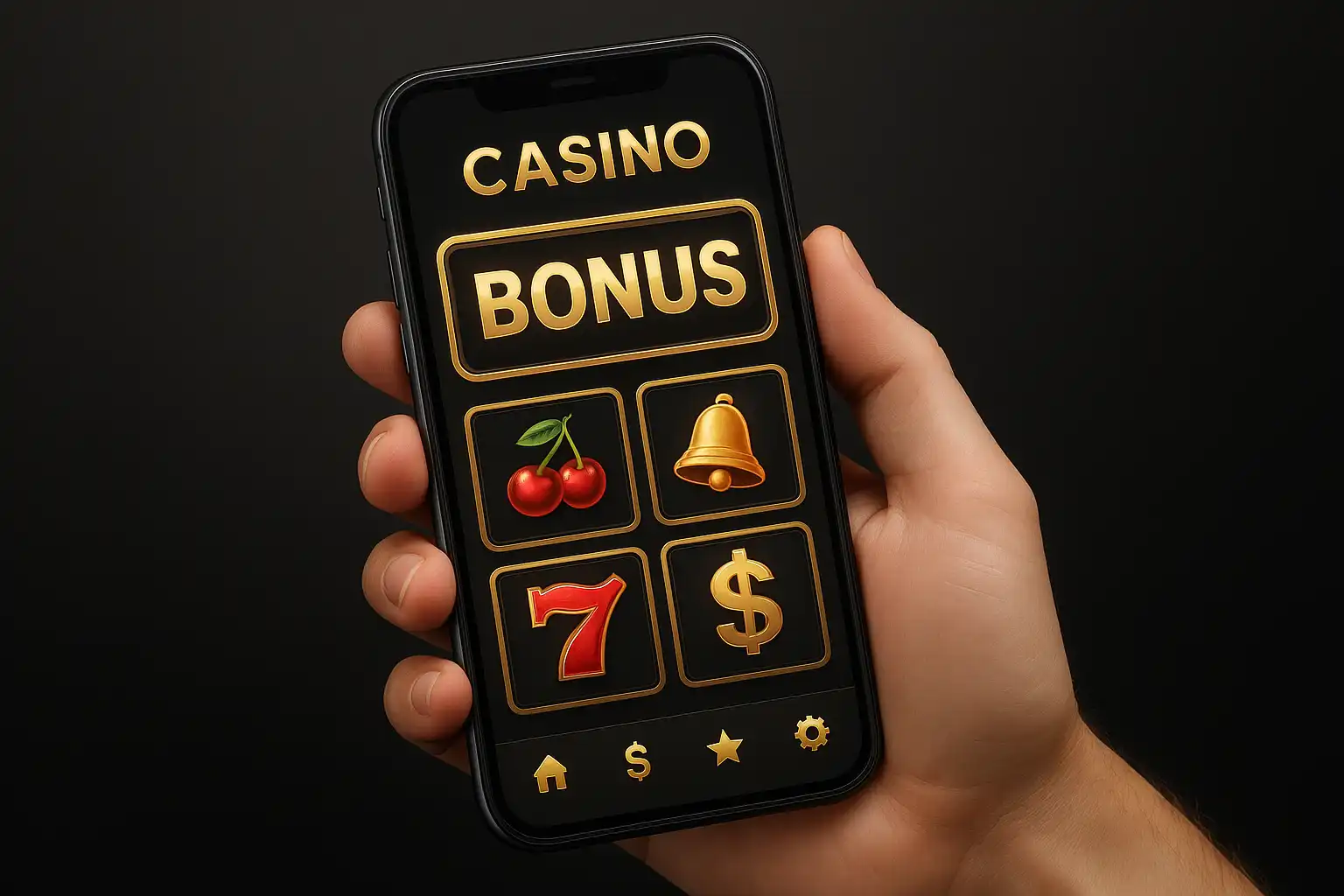
Spinning on the go has never been smoother than it is with the Maestro Spin mobile app. Built for players who refuse to let a commute, a queue or a coffee break get between them and the reels, the app packs the full casino experience into a fast, battery-friendly package.
Why Play on the App
The app strips away everything that slows a browser tab down. Game thumbnails load almost instantly, the cashier opens in a single tap and favourite slots sit one swipe away on the home screen. For players chasing the 150% welcome bonus up to 1500 EUR, the app makes it painless to register, deposit and start spinning within minutes, all from a phone.
Push notifications keep players in the loop on fresh promotions, Free Spins Friday drops and VIP cashback updates, so no offer slips through unnoticed. Session reminders and responsible gambling tools are built into the settings menu as well, keeping play in check without needing to visit a desktop site.
The interface itself was clearly designed mobile-first rather than squeezed down from a desktop layout. Buttons sit comfortably within thumb reach, menus collapse into a clean burger icon, and the black-and-gold theme actually looks sharper on an OLED screen than it does on a monitor, with true blacks that make the gold accents pop even harder.
How to Install the App
Maestro Spin currently ships as a progressive web app, which means there is no separate app store listing to search for. Instead, installation takes just a few taps:
- Open the Maestro Spin site in a mobile browser such as Chrome or Safari.
- Tap the browser menu and choose “Add to Home Screen.”
- Confirm the prompt, and an app icon appears on the home screen instantly.
- Launch it like any other app for a full-screen, distraction-free casino experience.
This approach means the app always runs the latest version automatically, no manual updates required, and it works identically whether on Android or iOS.
There is no need to hunt through an app store listing or worry about regional availability restrictions either, since the install happens directly from the casino’s own site. That also means storage use stays minimal, typically just a few megabytes for the cached shell, with game assets streaming in as needed rather than bloating the home screen icon into a multi-gigabyte download.
Android Experience
On Android devices, the app behaves like a native application once added to the home screen. It runs in full-screen mode without browser bars eating into the display, supports biometric login on compatible devices, and handles background audio and vibration cues for big wins cleanly. Performance stays smooth even on mid-range Android hardware, since the slot engine is optimised to keep frame rates high without draining the battery.
iOS Experience
iPhone and iPad players get the same full-screen treatment through Safari’s “Add to Home Screen” feature. The interface adapts cleanly to the notch and safe areas on newer iPhone models, buttons remain comfortably sized for one-handed play, and Face ID can be used to secure the login if enabled in the account settings. Live dealer streams run smoothly over both Wi-Fi and mobile data, though a stable connection is recommended for the best video quality.
Apple’s strict background process limits mean notifications arrive slightly differently than on Android, often requiring the app icon to be opened at least once a day to stay fully synced, but core gameplay and banking are unaffected by that quirk.
Games That Shine on Mobile
Slots with simple tap-to-spin mechanics translate perfectly to a touchscreen, and titles like Starburst, Razor Shark and Gates of Olympus Super Scatter feel right at home on a phone display. Bonus buy features, autoplay settings and paytables are all accessible through clearly labelled icons rather than hidden menus. The live casino also holds up well on mobile, with chat and betting controls repositioned for thumb-friendly reach rather than simply shrunk down from the desktop layout.
Mobile Banking
Every payment method available on desktop works identically on the app, including card deposits, Skrill, Neteller, Paysafecard, Trustly and bank transfer. Deposits clear instantly and withdrawal requests can be submitted from the cashier in a few taps, with the same fast e-wallet turnaround of 1 to 12 hours that desktop players enjoy. Saved payment details make repeat deposits even quicker, cutting the form-filling down to a single confirmation tap.
Data Usage and Performance
The app is designed to be light on data, which matters for players spinning on mobile data plans rather than Wi-Fi. Game assets are cached after the first load, so returning to a favourite slot uses a fraction of the bandwidth compared to the first visit. Live dealer streams do use more data by nature, but a quality selector in the settings lets players dial resolution down to save on mobile data without losing the game entirely.
Security on the Go
The mobile experience carries the same SSL encryption and certified RNG testing found on desktop, so there is no trade-off in safety for the sake of convenience. Session timeouts and automatic logout after inactivity protect accounts on shared or public devices, and two-factor authentication can be enabled for an extra layer of security on logins from new phones.
Players travelling abroad should still check local regulations before loading funds, since availability and legal status of online casino play can shift from one country to the next, but the technical safeguards on the app itself remain consistent no matter where a session starts.
Final Thoughts
For players who live life on the move, the Maestro Spin mobile app delivers a genuinely complete casino experience rather than a stripped-down afterthought. Fast load times, full game access, complete banking options and the same generous 150% welcome bonus make it an easy recommendation for anyone who wants their casino in their pocket. Add the icon once, and every future session is a single tap away.